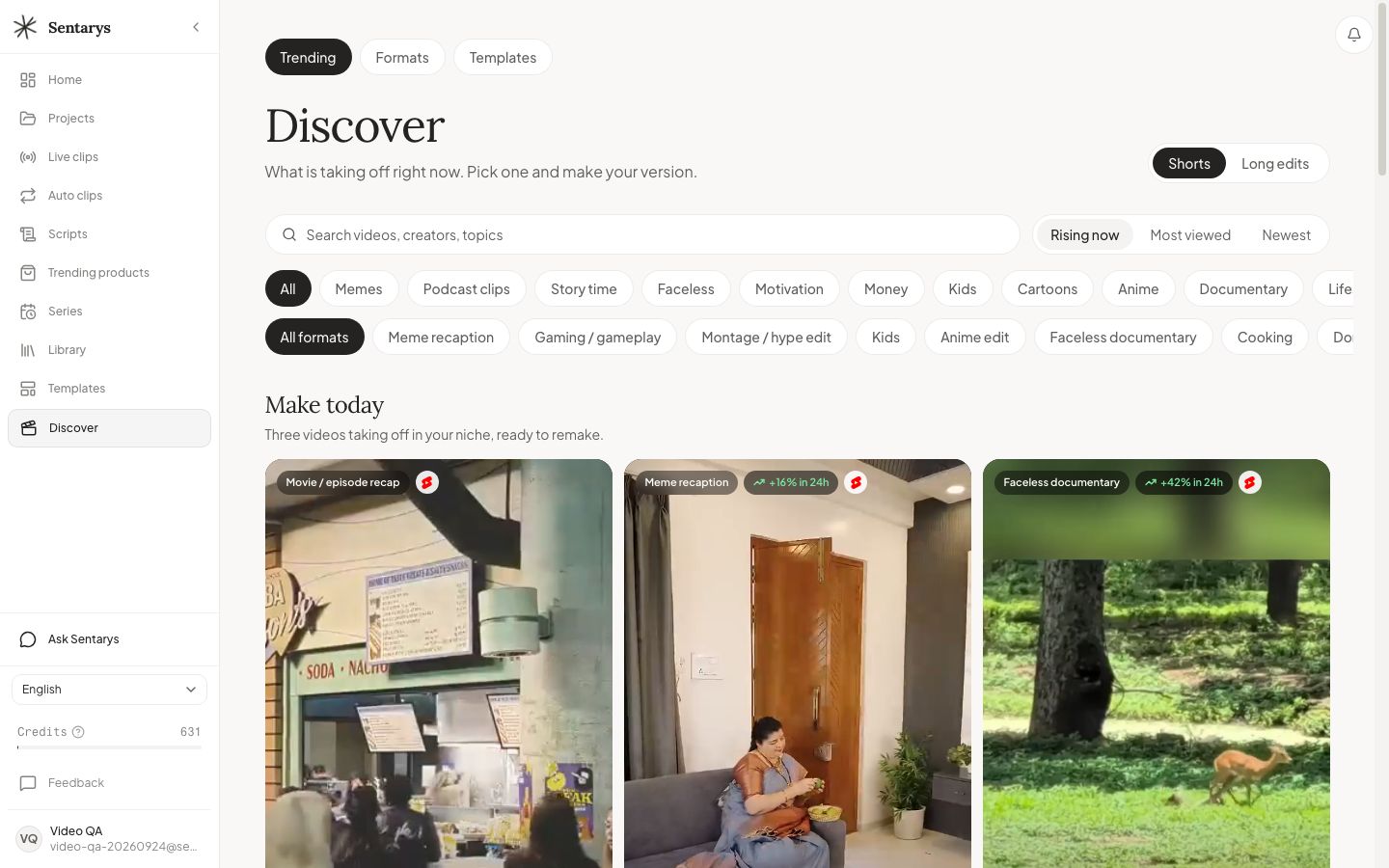
Find Viral Video Ideas and Make Your Version in Sentarys
Use Discover to find rising short and long videos by niche, study their format and remake the script, edit and style.
Find viral video ideas by studying formats already gaining attention in your niche. Sentarys Discover brings short and long references into one feed, then lets you make your version from the script structure, editing and style. Start with a viewer question you can answer in your own way, so the reference becomes a direction for a new video.
Find a reference that belongs to your audience
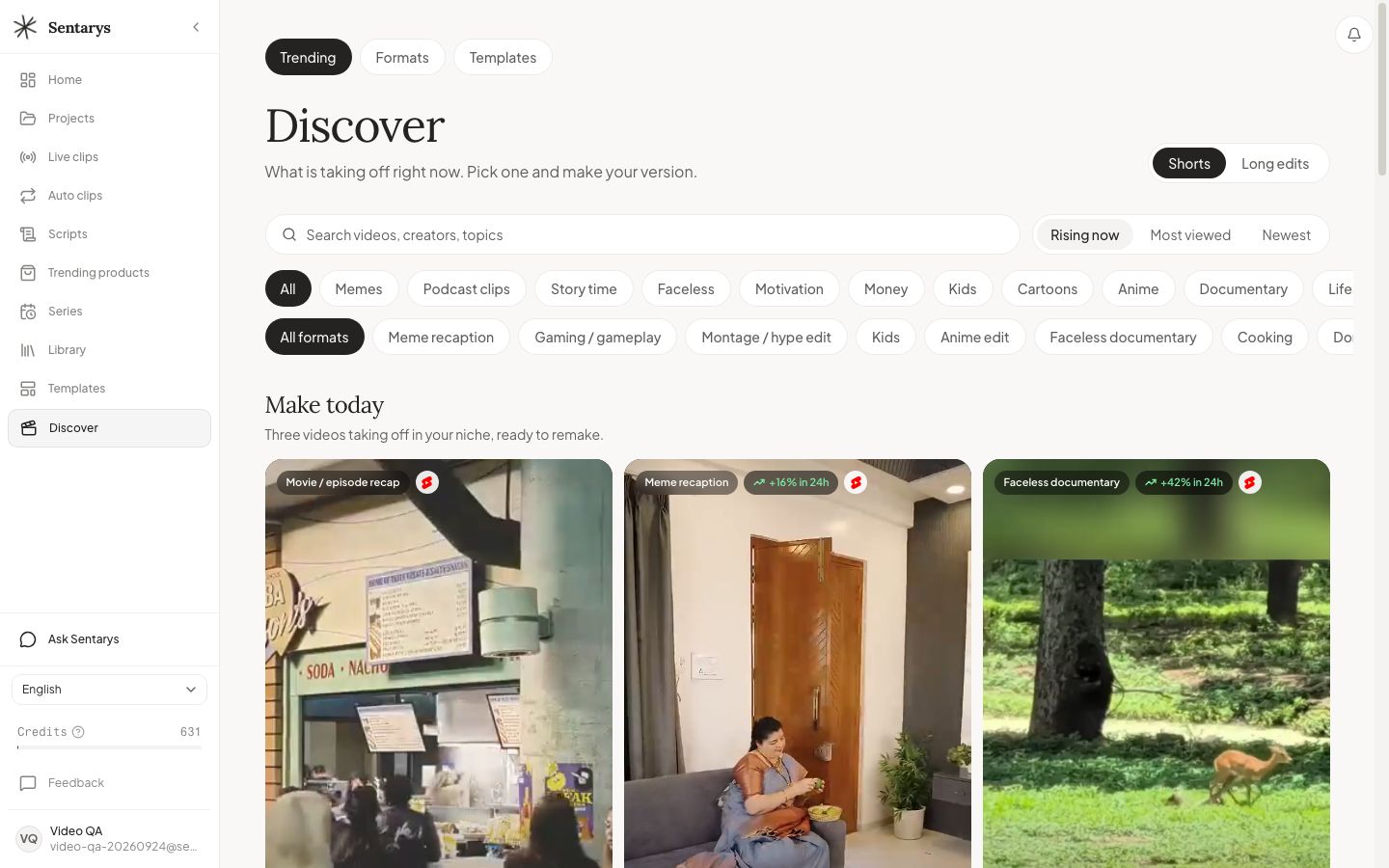
Open Discover and choose Shorts or Long edits. Pick a niche, then narrow the creative format: a storytime, a faceless documentary, a game reaction or a narrated explanation can serve very different viewers. Use Rising now to look for momentum and Most viewed to examine established examples. Search a topic when you already know what your next video should explain.
Read the format behind the views
Write down what the opening promises, how quickly the first scene establishes the situation, where the story changes and what the ending resolves. Look at the image-to-voice relationship: does the visual prove the line, set the mood or introduce the next point? Note caption density and music changes only where they contribute to that structure. A view count helps find a reference; it does not explain the whole reason someone stayed.
Make your version in Sentarys
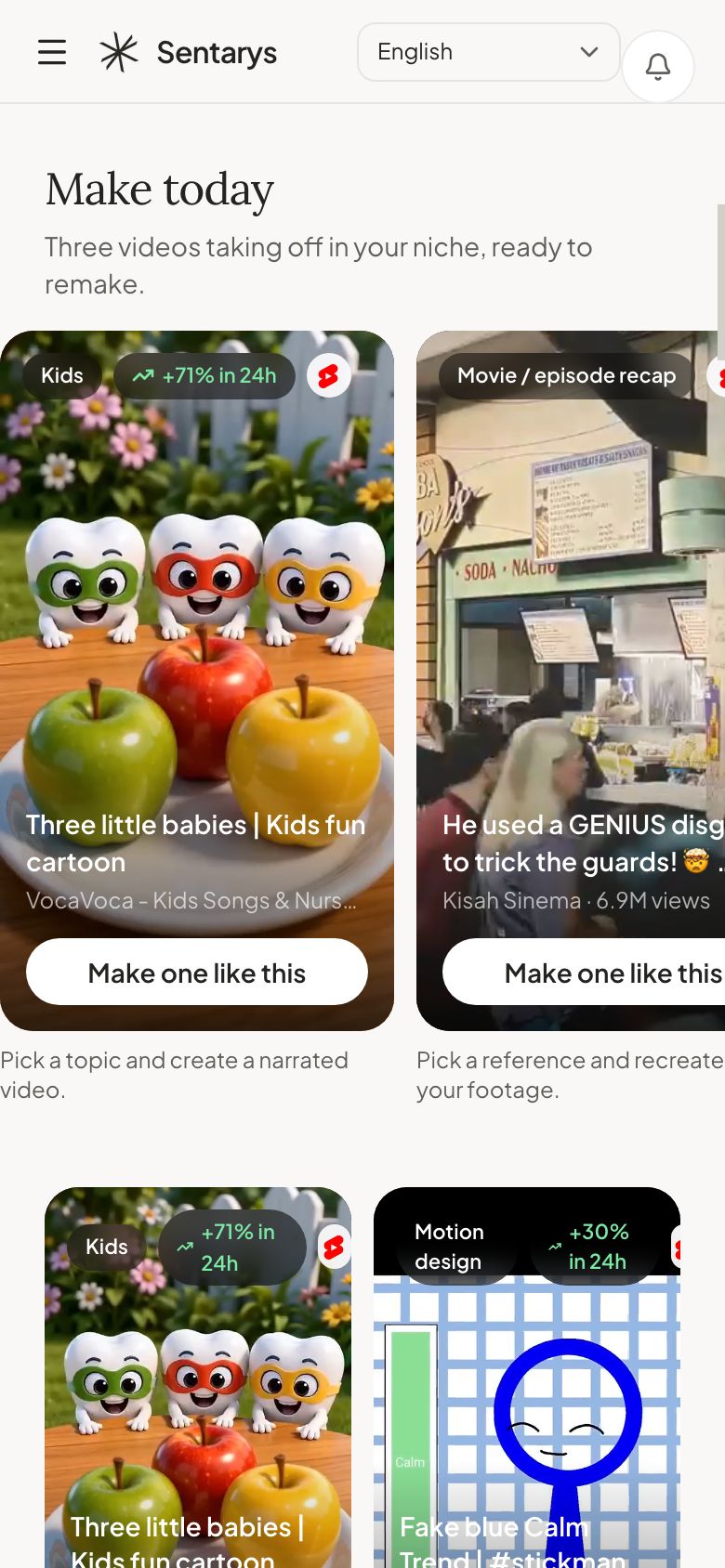
- Open a reference and choose Make your version.
- Choose the remake direction and describe your topic, audience and material.
- For a new story, keep the format and supply your own idea and script details.
- Review the generated script, scene choices, caption style and pacing in the editor.
- Export a version that delivers the opening promise and leaves the viewer with a clear payoff.
Use long references for long stories
For a documentary or vlog, examine the chapter structure and how scenes connect. The reference may open with a question, return to it between chapters and resolve it near the ending. Adapt that progression to your footage. A train-trip vlog needs the people, places and complications of your trip, even when another creator’s rhythm inspires the edit.
Choose the next experiment
Change one creative decision for the next upload: the opening question, the first visual or the order of the explanation. Compare retention and saves on your own posts. Keep a note of what worked with your audience, then use Discover to find a fresh reference in that family. That gives your channel a repeatable idea-to-edit loop.
Sentarys Pro is $10/month with 30,000 shared credits. Each workflow shows its estimate before you start. Editing and exports are included; Pro unlocks clean exports. Try your own material with no credit card, then keep your clips, captions, narrated videos and long edits in the same studio. See Sentarys pricing for your plan.
Open the viral video finder, explore script to video, or connect your agent through agent docs and MCP.
Ready to try Sentarys?
Paste a link or upload a video and get finished clips with captions. 6,000 free credits on signup, no credit card required.
Get Started FreeRelated Articles
Best Editing Software for Vlogging: Honest Picks by Vlogger Type
DaVinci Resolve, CapCut, Premiere Pro, Final Cut Pro, iMovie, Descript and Sentarys compared for vloggers, with the right pick for how you shoot and publish.
How to Make a Travel Vlog: Plan, Film and Edit a Trip People Watch to the End
A complete travel vlog workflow: the story idea, a shot list, what to film each day, audio, b-roll, batteries and storage on the road, and how to edit hours of footage.
B-Roll Ideas for Vlogs: 40 Shots by Situation and How to Use Them
Practical b-roll ideas for travel, daily, food, city and nature vlogs and for talking-head videos, with how to shoot each one and where it belongs in the edit.