How to Turn Horizontal Video Into Vertical 9:16 Without Losing the Subject
Crop, fit or split: how to reframe 16:9 footage for Shorts, Reels and TikTok, keep the speaker centred, stack a facecam over gameplay and know when letterboxing is the right call.
TL;DR: To turn a 16:9 video into 9:16, crop a vertical window around whoever matters in each shot and move that window when the subject changes. Use a split screen when two people share the moment, stack the facecam over the game for streams, and fit the whole wide frame with bars only when the full scene is the point. Leave a little headroom and keep faces out of the zones where captions and buttons sit.
Why a centre crop fails
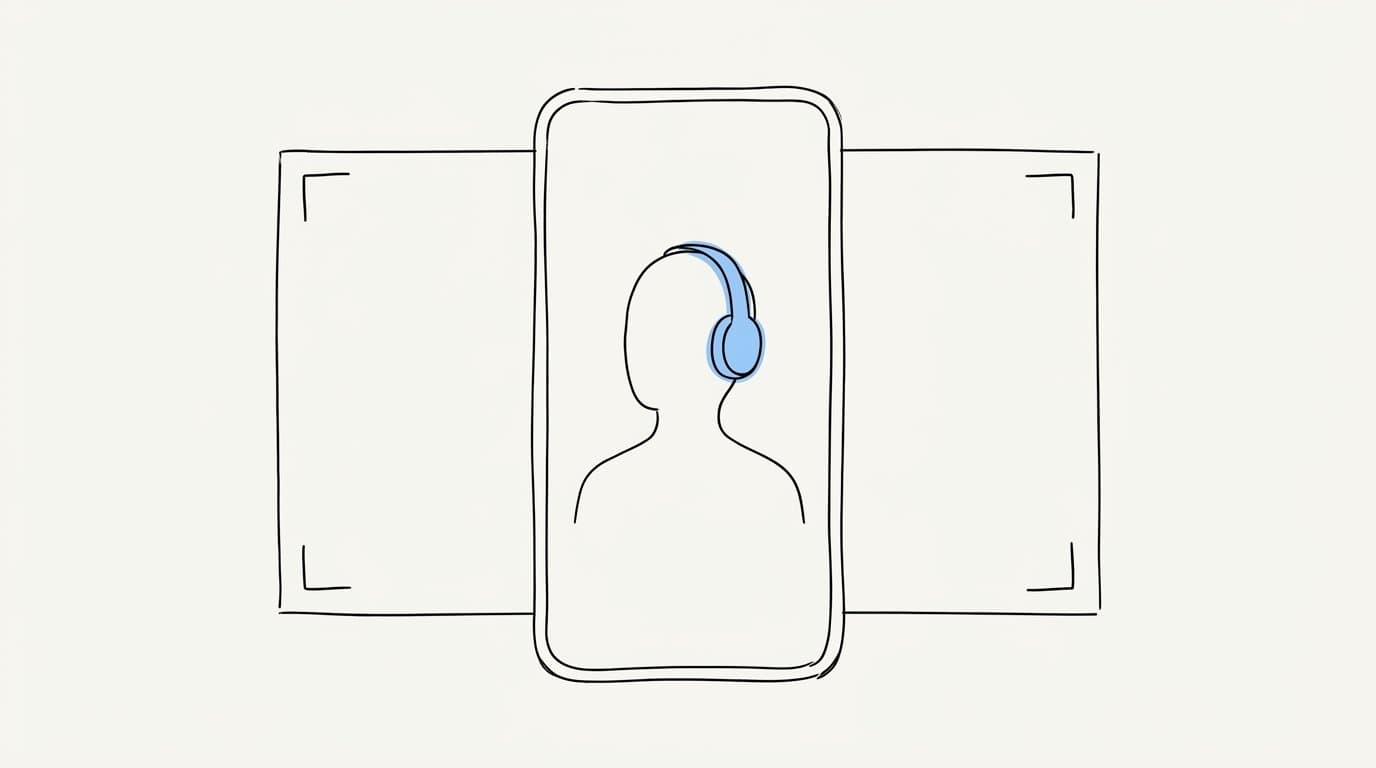
A 9:16 window cut from a 16:9 frame keeps about a third of the width. Most podcasts and interviews place the speaker off centre, so a fixed centre crop shows a bookshelf and half a shoulder. Two-person shots are worse: the middle of the frame is often the empty space between the two chairs.
The fix is a decision per shot. Ask what the viewer needs to see right now, then frame for that.
The three options: crop, fit, split
| Method | What it does | Use it when | Watch out for |
|---|---|---|---|
| Crop (reframe) | Cuts a 9:16 window from the wide frame and follows the subject | One person talks, or the action stays in one area | Fast camera moves and subjects leaving the window |
| Fit (letterbox) | Scales the whole wide frame into the vertical canvas with bars above and below | The full scene matters: a stage, a chart, a landscape, a full play | The picture gets small, so the bars must earn their space |
| Split | Stacks two crops in one vertical frame | Two people react to each other, or a streamer reacts to a game | Seams through faces and unequal sizes that hide the reaction |
Crop: follow the speaker, calmly
- Track the face, then smooth the move. The window should drift toward the speaker, settle and hold. Tracking that chases every head tilt tires the eye more than a frame that sits slightly off centre.
- Switch on the cut. When the conversation moves to another person, jump to them on a clean cut, ideally on a pause in speech. A pan across the gap between two chairs looks like a mistake.
- Keep the eyes in the upper third. Put the eye line about a third of the way down the frame. That leaves the lower middle free for captions without covering the mouth.
- Mind the headroom. A sliver of space above the head looks natural. A cropped forehead reads as an error, and too much ceiling shrinks the face.
- Stay out of the interface zones. The bottom of the screen holds the caption, the account name and the description. The right edge holds the like and share buttons. Keep faces and key objects in the middle band.
Split screen for two-person moments
Use a split when the reaction is part of the story: the guest drops a line and the host's face shows how it landed. Stack the two crops top and bottom, each centred on a face, with the seam between them and never across a chin. Put the person who speaks first on top, since the eye reads from top to bottom.
Return to a single crop when one person talks for a long stretch. A split held for a full minute halves the size of every face with nothing gained.
Facecam stacks for streams and gameplay
Streams usually show a small webcam in a corner over a full-screen game. The standard vertical layout puts the face on top, enlarged, and a crop of the game below, centred on the action: the crosshair, the character, the ball. Captions sit on the seam between the two. Crop the game where the action happens and drop the minimap and the edges of the HUD unless they matter to the moment. The gameplay and facecam guide covers this layout in detail.
When to letterbox on purpose
Fit the whole frame when a crop would destroy the meaning. Typical cases: a comedian working a wide stage, a slide or chart the speaker points at, a goal where the pass matters as much as the finish, a scenic shot. Make the bars useful. Put a short title in the top bar and the captions in the bottom bar.
Skip the blurred copy of the video as background filler. It adds motion without adding information and pulls the eye away from the picture. Plain dark bars or your brand colour keep the focus on the frame.
Shoot with the vertical cut in mind
If you record the long video yourself, a few habits make every future crop easier:
- Leave space around each speaker, so a vertical window has room to move without cutting an arm or a microphone in half.
- Record in 4K when you can. A 9:16 crop from a 4K frame is wider than 1080 pixels, so it keeps full detail at a 1080 by 1920 export. A crop from a 1080p frame has to be scaled up.
- Give each person a clean single angle on two-person shows. It makes split screens simple.
- Keep the stream webcam in the same corner and at a decent resolution, since it gets enlarged in the vertical version.
A quick checklist
- Is the person speaking always in frame, with the eyes in the upper third?
- Do framing changes happen on cuts, with no pans across empty space?
- Is every seam in a split between faces, never across one?
- Do captions sit clear of the mouth and of the platform buttons?
- If you letterboxed, does the full scene really need to be seen?
- Does it read well on a phone at arm's length?
How Sentarys reframes a video
Sentarys uses measured face tracking to find who is speaking and centre them in the vertical frame, switching on cuts instead of panning. Two-person reactions get a split screen and streams get the facecam stacked over the game. Every clip opens in a live editor where you can adjust the framing of any shot, fix a caption word and export in 1080p with no watermark. For caption placement, read the guide to animated captions for shorts, and to choose where to post, see Shorts vs TikTok vs Reels.
Create a free account and reframe your next video. New accounts get 6,000 credits, enough for 30 minutes of video, with no card required.
FAQ
What resolution should a vertical video be?
Export at 1080 by 1920 pixels, a 9:16 ratio. It is the standard size for YouTube Shorts, Instagram Reels and TikTok.
Can I post a horizontal video as a Short?
YouTube treats square and vertical videos as Shorts, and all three feeds are built for vertical viewing. A horizontal file shows up small between large bars. Reframe it, or place it inside a 9:16 canvas with a title and captions in the bars.
Should I use a blurred background behind a letterboxed video?
Usually no. The blur adds movement without information and competes with the picture. Solid bars with a title and captions give the viewer more.
Is automatic reframing good enough to post?
For single speakers and clear two-person shots, good tracking gets you close. Check fast motion, group shots and screen content by hand, and adjust those shots in the editor before you export.
Ready to try Sentarys?
Start finding what to build, what to call it, and where to be found. 6,000 free credits on signup, no credit card required.
Get Started FreeRelated Articles
Opus Clip vs Sentarys: How to Pick an AI Clip Tool in 2026
Price per minute, captions in your language, dubbing, faceless videos and editing: a practical way to choose between Opus Clip and Sentarys with your own footage.
How to Connect the Sentarys MCP to Claude, Cursor and ChatGPT
Step by step setup of the Sentarys MCP server in Claude Code, Claude, ChatGPT, Cursor and VS Code, so your AI assistant can clip, edit, dub and export your videos.
Edit Your Videos From Claude Code: A Podcast to Shorts Workflow With the Sentarys MCP
A real session: Claude Code clips a podcast into Shorts, tightens the hook, changes the captions, exports in 1080p and dubs the best clip, all through the Sentarys MCP server.