How to Make Motivational Anime Edits (Like the Big Faceless Channels) With AI
A breakdown of the format behind the big motivational anime channels (structure, pacing, captions, grade, voice and story arc) and how to make one in Sentarys from a topic, your script, your voice or your own footage.
Some of the most watched faceless channels on YouTube run on one format: a deep, calm voice reads a speech about discipline or loneliness while anime scenes of training, fights and empty streets change on every phrase. The videos run five minutes or more, and people watch them to the end. This guide breaks the format down and shows how to make one in Sentarys.
What makes the format work
We measured one of the biggest videos in the genre, "Discipline Is Power.": 16:9, 5 minutes 41 seconds, 119 shots. Here is what it does.
Structure
No intro, no channel logo, no "in this video". The first line drops you into a scene, like "It's 5 a.m. and the whole world is still asleep." A strong speech in this genre then moves through five beats: the hook, the tension (nobody sees your effort), the confrontation (you against your excuses), the reframe (the pain is the point) and the resolve. Each beat takes about a minute.
Pacing
A new shot every 3 to 5 seconds, 2.9 seconds on average, always on a phrase. The cut lands at the start of a word, ideally after a comma, so the image changes with the thought. There are no zooms, no shakes and no sound effect on the cut. The rhythm comes from the voice.
One visual world
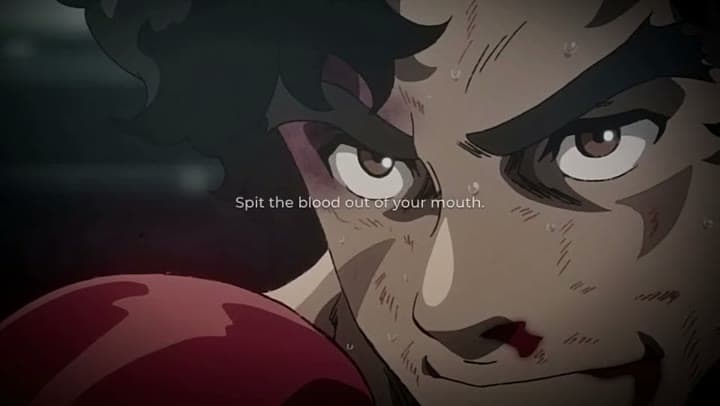
The shots come from one world: boxing and training anime, dark rooms, rain. Each phrase gets a visual metaphor (a line about bandages burning your wrists gets hands being wrapped), and the world stays the same from start to end. Mixing unrelated shows breaks the spell faster than a bad line.
Captions
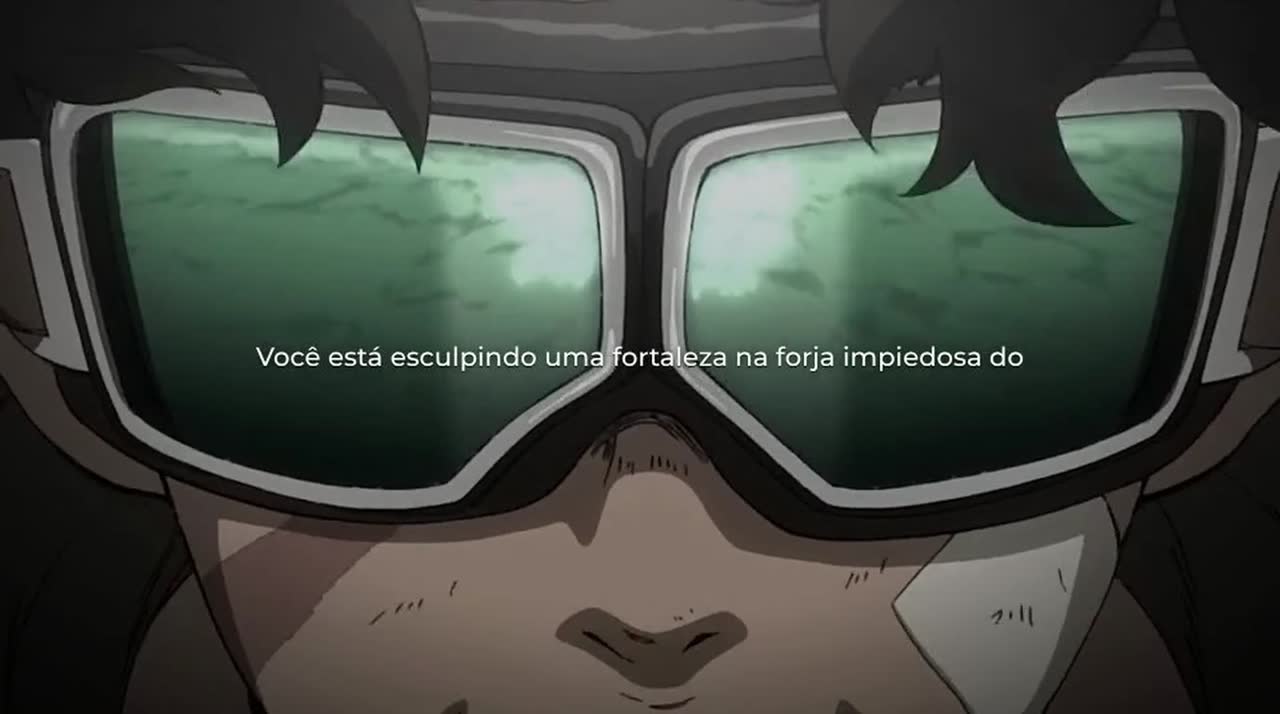
Small, thin white text centered on screen, one phrase at a time. No colored words, no emoji, no bounce. The caption supports the voice; it never competes with the image.
Grade and music
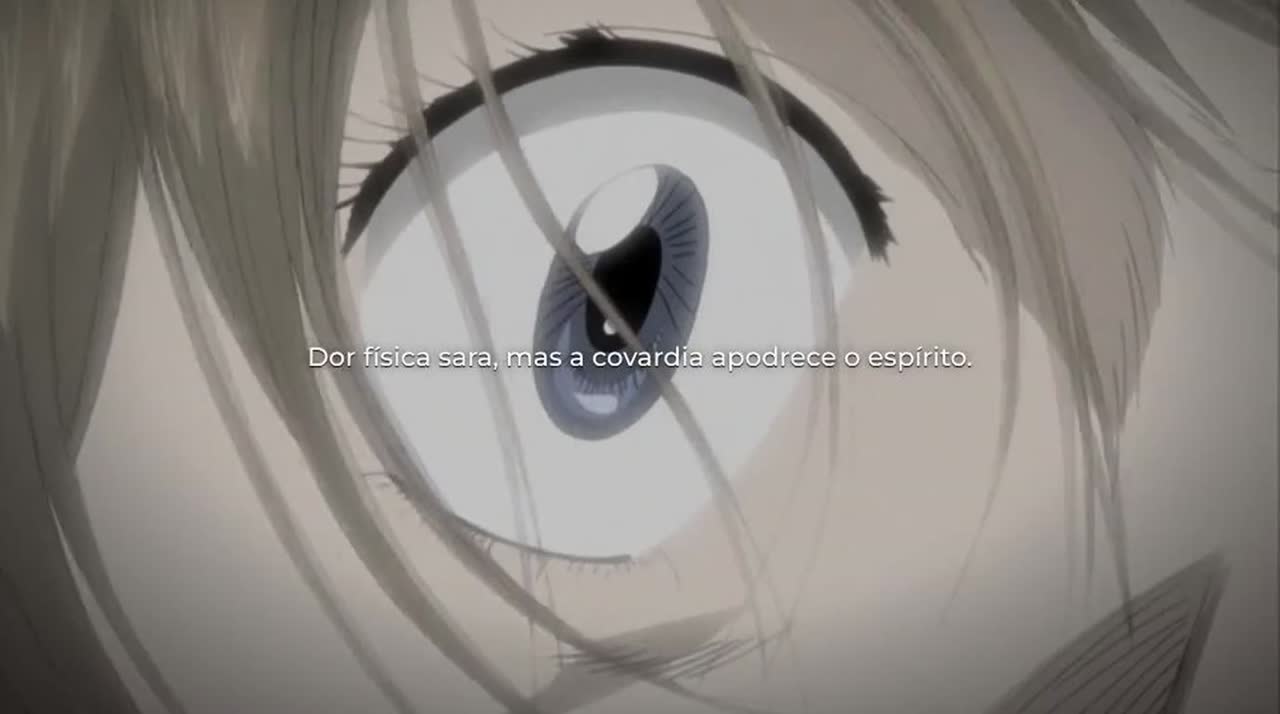
The picture is darker and less saturated than the source, with a soft vignette and a little grain, so every show looks like it belongs to the same film. A quiet piano sits well under the voice and dips further while it speaks.
Voice
A deep male voice at a firm, steady pace. Slow and breathy sounds dramatic for ten seconds and drags over five minutes: in our tests a very slow reading stretched a 5 minute script to almost 8. Firm wins.
Make one in Sentarys
1. Start from a reference
Open Make one like a video and paste the link of a video you love. Sentarys watches it and shows how it read it: format, length, footage, structure, cut rhythm, captions, look, voice, music and story arc, as chips you can change. For "Discipline Is Power." the reading was 16:9, anime, cuts every 3 to 5 seconds, subtitle captions, dark look, deep motivational voice, reflective arc. Reading a link is free.
You can also skip the reference and pick the Motivation template in Create. It already carries the settings above.
2. Choose what goes in
- A topic. Type "discipline when nobody is watching" and Sentarys writes the speech in five beats, narrates it and cuts a shot on every phrase.
- Your script. Paste your words. They stay exactly as written; Sentarys only marks where each line starts and picks a shot for it.
- Your voice. Upload a recording or record in the browser. Your timing stays, and each phrase gets its scene.
- Your footage. Send a raw recording and Sentarys edits it in the style of the reference. A 50 minute interview, for example, becomes a 10 minute cut with a cold open and chapters, the way documentary channels do it.
Then choose the scenes: the Sentarys collection, your own files, or both. Pick a length up to 10 minutes and a format.
3. Fix it line by line
In the editor every line of the script is a scene. Edit a line and only that line is narrated again, with the same voice. Replace a shot and the timing stays. Add a line, move lines around, record one line with your own voice, or turn the voice off and keep music and captions. Caption styles include subtitle, cinema and documentary; looks include dark and film.
16:9 or vertical?
This format was born on YouTube in 16:9, and long videos are where the story arc has room to land. Make the main video wide, up to 10 minutes. For Shorts, TikTok and Reels, make a 9:16 version of one beat, 45 to 60 seconds: the hook plus the reframe works best. In 9:16 the scenes fill the frame instead of floating in a band over a blurred background.
Before you post
- Watch it once without sound. If the captions and the shots still tell the story, the edit is right.
- Check the first 10 seconds. A dark shot or a slow first line loses people before the voice has a chance.
- Use footage you have the right to use, and write your own speech. Channels in this genre grow on their voice and their writing, so make both yours.
What it costs
A narrated video costs 2,500 credits per finished minute, so a 5 minute video is 12,500 credits. The Pro plan (US$10 a month) has 30,000. If the video comes out shorter than planned, the difference goes back to your balance.
Paste a video you love and make yours tonight.
Ready to try Sentarys?
Start finding what to build, what to call it, and where to be found. 6,000 free credits on signup, no credit card required.
Get Started FreeRelated Articles
Opus Clip vs Sentarys: How to Pick an AI Clip Tool in 2026
Price per minute, captions in your language, dubbing, faceless videos and editing: a practical way to choose between Opus Clip and Sentarys with your own footage.
How to Connect the Sentarys MCP to Claude, Cursor and ChatGPT
Step by step setup of the Sentarys MCP server in Claude Code, Claude, ChatGPT, Cursor and VS Code, so your AI assistant can clip, edit, dub and export your videos.
Edit Your Videos From Claude Code: A Podcast to Shorts Workflow With the Sentarys MCP
A real session: Claude Code clips a podcast into Shorts, tightens the hook, changes the captions, exports in 1080p and dubs the best clip, all through the Sentarys MCP server.