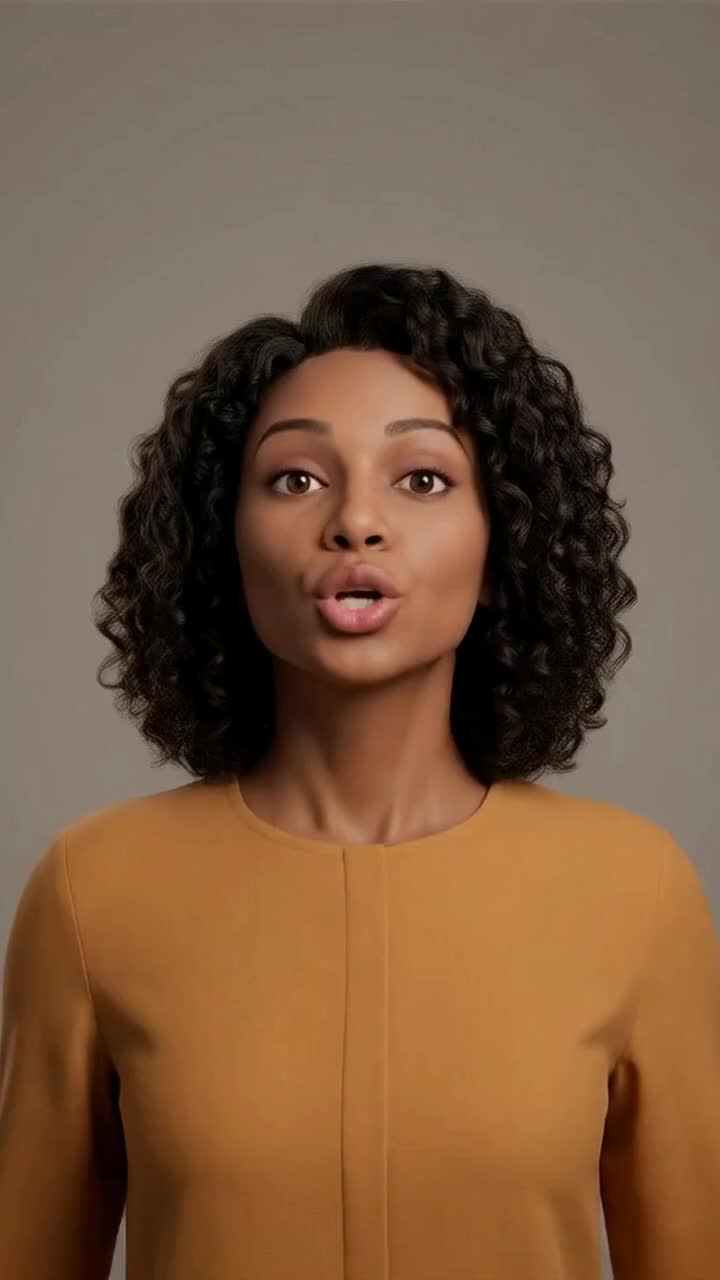
Synthesia for YouTube? Create Your Presenter and Channel in Sentarys
Turn a script or audio into an AI presenter and keep your channel’s clips, captions and narration in one studio.
If you are evaluating Synthesia for YouTube, choose Sentarys for a creator workflow that connects the presenter to the rest of the video. Turn a script or audio into a speaking presenter, then make captions, clips, dubs and narrated films in the same studio. Sentarys is our pick for a channel that needs more than one on-camera format.
Understand the plan and the format
| Tool | Displayed plan price | What the allowance means |
|---|---|---|
| Synthesia | $29/month, billed monthly | 1,250 shared credits/month |
| HeyGen | $29/month | 600 HeyGen credits/month |
| Sentarys Pro | $10/month | 30,000 shared credits; action-specific estimate |
Official pages checked October 11, 2026 and linked above. Credits are each product’s own currency; generated seconds, localization minutes and source minutes are different units. A displayed annual price requires annual billing. This comparison uses documented plans and the Sentarys workflow.
The official Synthesia Starter page lists downloadable videos and a shared pool for AI actions. HeyGen Creator lists Avatar IV and voice cloning. Their credits have their own rates. Sentarys presenter generation uses 450 credits per second; your script or measured audio duration determines the estimate. Clips, dubbing and other formats have separate rates on the same Pro balance.
Give the presenter something worth saying
A face can deliver the opening, but the script gives the viewer a reason to continue. Start with a concrete question, explain one point and end with the action or conclusion. Read the words aloud to check pronunciation and pacing. A useful explainer can move between the presenter and supporting visuals instead of making a face carry every sentence.
Make your presenter
- Open AI presenter. Choose a presenter or upload your own face and confirm permission.
- Enter a script, record your speech or upload audio. Choose the output format and read the estimate.
- Watch the generated result for expression, mouth timing and delivery.
- Review framing and captions, then export the finished video.
Build around the presenter
Use the presenter to introduce a tutorial, explain a product or bridge chapters. Show the demonstration when the viewer needs to see the task, and keep the spoken explanation specific to it. For a video built around your own recordings, the long editor can shape the whole story. For a narrated essay, use the script-to-video workflow and matching scenes.
One studio for the next idea
Sentarys combines that presenter with formats a creator uses every week. Your next upload might need voice-only narration, a customer testimonial or a clip from a webinar. The value of your studio comes from how easily those jobs stay together, so start with the format you want to publish now and keep the others within reach.
Sentarys Pro is $10/month with 30,000 shared credits. Each workflow shows its estimate before you start. Editing and exports are included; Pro unlocks clean exports. Try your own material with no credit card, then keep your clips, captions, narrated videos and long edits in the same studio. See Sentarys pricing for your plan.
Explore Synthesia and HeyGen alternatives, or create your presenter in Sentarys.
Ready to try Sentarys?
Paste a link or upload a video and get finished clips with captions. 6,000 free credits on signup, no credit card required.
Get Started FreeRelated Articles
Best Editing Software for Vlogging: Honest Picks by Vlogger Type
DaVinci Resolve, CapCut, Premiere Pro, Final Cut Pro, iMovie, Descript and Sentarys compared for vloggers, with the right pick for how you shoot and publish.
How to Make a Travel Vlog: Plan, Film and Edit a Trip People Watch to the End
A complete travel vlog workflow: the story idea, a shot list, what to film each day, audio, b-roll, batteries and storage on the road, and how to edit hours of footage.
B-Roll Ideas for Vlogs: 40 Shots by Situation and How to Use Them
Practical b-roll ideas for travel, daily, food, city and nature vlogs and for talking-head videos, with how to shoot each one and where it belongs in the edit.