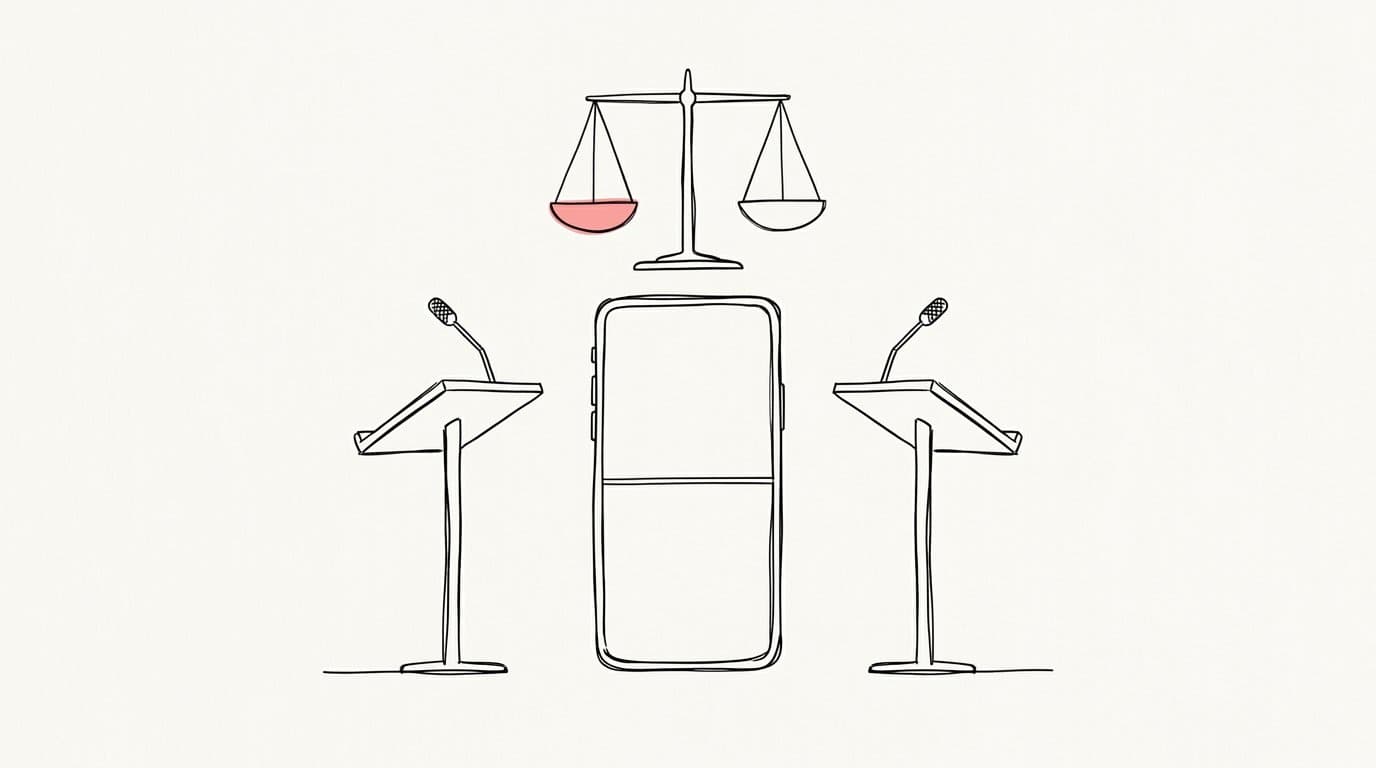
How to Cut Politics and Debate Clips That Stay Fair and Still Go Viral
Claim, rebuttal, reaction: a method for political and debate clips that keeps the meaning intact, with split screens, word-for-word captions and titles that are sharp without misleading.
TL;DR: A fair debate clip keeps the full exchange: the claim, the answer to it and the reaction that shows how it landed. Never cut a sentence so it says something the speaker did not say, keep both people on screen during a face-off, caption word for word, and write a title that describes what actually happened. A clip can be sharp and accurate at the same time, and the accurate ones hold up when people check the source.
Why fair clips last longer
A political clip gets checked. Viewers post the full video in the comments, community notes and fact checks attach to misleading posts, and platforms have rules against manipulated media. An out-of-context clip can spread fast and then collect reports, corrections and a reputation for the channel. A clip that shows the whole exchange gets shared by people on both sides, because each side sees its argument intact.
The unit: claim, rebuttal, reaction
| Beat | What it contains | Typical length |
|---|---|---|
| Claim | The statement in full, including its conditions and qualifiers | 5 to 15 s |
| Rebuttal | The direct answer to that claim | 10 to 30 s |
| Reaction | The first speaker's comeback, the moderator or the audience | 2 to 8 s |
You can open on the sharpest line as a hook, a cold open, as long as the clip then plays the claim that line answers before it reaches the payoff. Most debate clips fit in 30 to 90 seconds. If the exchange runs longer, cut the side steps, never the core of either argument.
Rules that keep the meaning intact
- Keep the qualifiers. "If the bill passes", "in some states", "over ten years". Dropping a condition changes the claim.
- Never join sentences from different moments to build a statement nobody made. When you skip a stretch, make the skip visible with a clear cut or a small "later" label.
- Keep each answer with its question. An answer without its question can mean the opposite.
- Let people finish. Cutting away before someone answers, or cutting an interruption so a person looks speechless, misrepresents the exchange.
- Use the real reaction. Never paste a reaction shot from another part of the debate.
- Show when and where. Put the date and the venue on screen or in the description. An old clip reposted as new misleads even when every word is real.
Split screen for the face-off
When two people are in a direct exchange, stack them in the vertical frame: the speaker on top, the other person below, so the reaction stays visible while the point is made. Give both faces the same size. Equal framing reads as fair, and a tiny opponent in a corner reads as an attack. Go back to a single speaker when one person has a long turn. The guide to turning horizontal video into vertical covers seams and headroom.
Captions: word for word, boxed, readable
- Caption exactly what was said. Dropping an "uh" is fine. Rewording a phrase is editing the speaker.
- Use boxed captions. A solid box behind the words reads cleanly over busy stages and flags, and it fits serious content.
- Highlight facts. Colour numbers, names and the key term. Avoid highlighting only the words that favour one side.
- Name the speakers with a small label when faces are not on screen or the audience may not know them.
The guide to animated captions for shorts covers sizing and timing.
Titles that are sharp and accurate
| Misleading | Sharp and accurate |
|---|---|
| "Candidate DESTROYS rival" | "Candidate challenges rival's housing numbers, rival answers" |
| "Minister admits taxes will rise" (said as a hypothetical) | "Minister on whether taxes could rise: 'only if revenue falls'" |
| "Moderator shuts down senator" | "Moderator cuts off senator over the time limit" |
- Use the verb that describes what happened: asks, challenges, answers, corrects, refuses.
- Name the topic. "On housing" or "on the budget" helps viewers and search alike.
- Quote exactly, inside quotation marks, and only words the clip contains.
- Promise only what the clip shows. The hook text in the first seconds follows the same rule; the guide to the first three seconds shows how to open strong with a true line.
Music, colour and effects
Keep music very low or leave it out. A tense track under one speaker and an upbeat one under the other tilts the viewer before a word lands. Use the same colour look for both people and skip dramatic zooms that single out one side. Let the words carry the clip.
Rights and platform rules
Official session feeds from legislatures and courts are often free to reuse, while a network's broadcast of the same event usually belongs to the network. Check the licence of the exact file you download. Never alter footage so it looks like someone said or did something they did not, and follow the platform's disclosure rules for realistic altered content. During election periods, platforms tighten their rules on political content, so read the current policy before you post.
A checklist before you post
- Does the clip contain the full claim and the full answer?
- Would both speakers agree the clip represents what they said?
- Is every skipped stretch visible as a cut?
- Do the captions match the audio word for word?
- Does the title describe what happened, with an exact quote if it quotes?
- Are the date, the venue and a link to the full source in the description?
How the Politics & debate template works
The Politics & debate template in Sentarys builds each clip as claim, rebuttal and reaction, and keeps both sides of an exchange intact so nothing is taken out of context. It uses split screen for face-offs and clean boxed captions, and it cuts on real pauses with word-level timing, so no word is clipped at the edges. Every clip opens in the live editor, where you can check each cut, fix a caption and ask for changes in plain words through Ask Sentarys, the chat that knows your video. You can also start from the same story method used for podcasts when the debate is a long interview.
Create a free account and cut your next debate fairly. New accounts get 6,000 credits, enough for 30 minutes of video, with no card required.
FAQ
Is it legal to post clips of political debates?
It depends on who owns the footage and on the copyright exceptions where you live. Commentary and criticism are protected in many countries, and official public feeds are often free to reuse, but rules vary. Check the source licence. This is general guidance; for a specific case, ask a lawyer.
How long should a debate clip be?
Long enough to hold the full claim, the answer and the reaction. That usually means 30 to 90 seconds.
Can I add music to a political clip?
Keep it very low or skip it. Music sets a mood, and a mood can take a side before the words do.
How do I avoid my clip being flagged as misleading?
Keep the context, show the date and venue, caption word for word, write a title that matches the clip and link the full source in the description.
Ready to try Sentarys?
Start finding what to build, what to call it, and where to be found. 6,000 free credits on signup, no credit card required.
Get Started FreeRelated Articles
How to Cut Dorama Edits That Make People Feel the Scene
A practical guide to K-drama and dorama scene edits: choosing the scene with the highest stakes, a cold open on the line that hurts, the silences you keep, and the grade, captions and piano that carry it.
Opus Clip vs Sentarys: How to Pick an AI Clip Tool in 2026
Price per minute, captions in your language, dubbing, faceless videos and editing: a practical way to choose between Opus Clip and Sentarys with your own footage.
How to Connect the Sentarys MCP to Claude, Cursor and ChatGPT
Step by step setup of the Sentarys MCP server in Claude Code, Claude, ChatGPT, Cursor and VS Code, so your AI assistant can clip, edit, dub and export your videos.