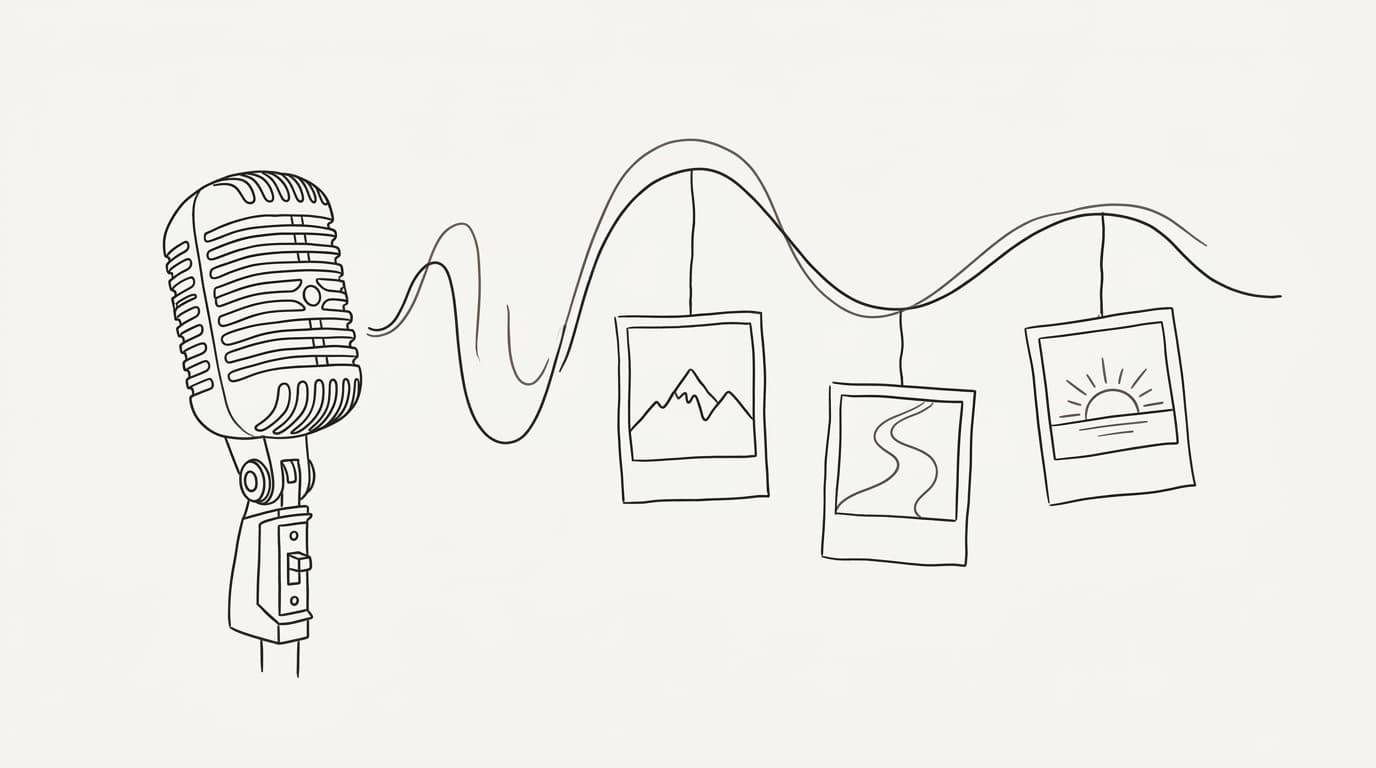
How to Edit a Video Around Your Own Voice: From Recording to Finished Story
Record a natural voiceover, build a shot list from the spoken phrases and edit a narrated video without forcing your voice into a rigid timeline.
Recording your voice first changes the edit. Instead of squeezing a script into existing shots, you let the spoken story set their length. This works for travel stories, explainers, personal essays and faceless videos where a recognizable voice matters more than a visible presenter.
1. Record a complete thought, not a perfect take
Write a short outline: what happened, what changed and what the viewer should understand. In a travel example, “I missed the last train” is the event; “a shopkeeper showed me another route” is the turn; “the detour became the best part of the trip” is the ending.
Record in a quiet room at a steady distance from the microphone. Leave a small pause before and after each paragraph. When you stumble, pause and repeat the whole sentence so you have a clean edit point. Listen on headphones for clipped peaks, rubbing noises and a background hum before recording the rest.
2. Make an audio-only first edit
Choose the take with the clearest intention, not necessarily the smoothest delivery. Remove false starts and repeated explanations. Keep a breath or hesitation when it carries the feeling of the moment. If a cut changes what a sentence means, restore the missing words.
For the train story, keep the pause after “the platform was empty.” It gives the next sentence weight. Remove the third explanation of why you were late. Listen from start to finish without watching anything; if the story loses you here, extra footage will not fix it.
3. Turn phrases into a shot list
| Spoken phrase | Visual | Edit decision |
|---|---|---|
| “The platform was empty.” | Your station footage | Hold long enough to register the absence |
| “He drew another route.” | A close-up of your map | Cut as the route is mentioned |
| “I found this little street.” | Your arrival shot | Let the movement finish before the next cut |
Use your own material or footage you can publish. If an image only illustrates the memory, avoid presenting it as a recording of the event. Match the emotional turn with a visual change rather than changing images on a fixed timer.
4. Build the narrated video in Sentarys
Open Create and choose your own narration as the input. Review the transcribed lines, especially place names, and select the footage you want to use. In the scene editor, check each line against the shot, replace mismatched images and listen to the timing after each change. Keep your original recording as the voice when you want your own performance.
5. Finish with voice-first sound and captions
Play the result through a phone speaker. Lower the music whenever a word becomes hard to understand. Check captions on a small screen, with particular attention to contractions and names. Finally watch without sound: the captions and shots should still make the sequence understandable, even though the full emotion comes from your voice.
Short FAQ
Should I remove every breath?
No. Remove distracting noise; keep breathing that supports a natural sentence.
What if I have no footage for a line?
Use a purposeful still image, film a simple detail or rewrite the line. Unrelated stock footage usually weakens the connection.
What should I read next?
Use the mini-documentary script template to plan the next recording, and the caption guide to finish the text.
Ready to try Sentarys?
Start finding what to build, what to call it, and where to be found. 6,000 free credits on signup, no credit card required.
Get Started FreeRelated Articles
How to Write a Faceless Mini-Documentary: A 60-Second Script Template
Build a short documentary around a question, evidence and a clear answer, with a worked script and a shot plan for a faceless channel.
How to Write an Anime Motivational Video That Tells a Story
Replace generic motivational quotes with a character goal, a setback and a decision. Includes a short script outline and a scene-matching method.
How to Make Motivational Anime Edits (Like the Big Faceless Channels) With AI
A breakdown of the format behind the big motivational anime channels (structure, pacing, captions, grade, voice and story arc) and how to make one in Sentarys from a topic, your script, your voice or your own footage.