YouTube Video Ideas for Beginners: 30 Ideas by Niche That Are Simple to Film
Beginner-friendly YouTube video ideas for travel, food, fitness, gaming, tech, study, home, books, pets and more, with why each works and how to film it with little gear.
The hardest video to make is the first one, mostly because the choices feel endless. A good beginner idea has three qualities: you can film it with what you already own, it answers something people want to know or watch, and you could make ten more like it. The ideas below are grouped by niche. Each one comes with why it works and a simple way to film it.
How to choose your first ideas
- Pick a topic you could talk about for 50 videos. Consistency is easier when the subject interests you.
- Start with useful or relatable videos. People search for answers and click on situations they recognize.
- Keep the setup simple. A phone, a window for light and a quiet room are enough to begin.
- Make a series. A format you can repeat lets you improve one thing each time.
Travel
- "How to spend one day in your city." Why it works: visitors search for this. How to film: one intro to camera, then each stop with a short line and a few shots.
- "Things I wish I knew before visiting X." Why: it saves viewers mistakes. How: a talking video with b-roll from your trip.
- "What I spent in a weekend in X." Why: budget questions are practical and specific. How: show receipts or prices on screen as you go.
Food and cooking
- "Three weeknight dinners in 20 minutes." Why: busy people want quick meals. How: a phone on a stand above the counter, voiceover added later.
- "I tried the most popular recipe for X." Why: curiosity and a clear result. How: film the process and an honest tasting at the end.
- "What I eat in a day" for a specific goal or budget. Why: it is relatable and easy to repeat. How: short clips of each meal plus a few lines to camera.
Fitness and health
- "A 15-minute workout with no equipment." Why: people follow along at home. How: a wide, fixed shot of the full body and a timer on screen.
- "Beginner mistakes in X exercise." Why: it helps viewers avoid injury and wasted effort. How: show the wrong way and the right way from the same angle.
- "30 days of X: what changed." Why: a clear arc with a beginning and an end. How: a short daily clip, edited into one video.
Gaming
- "Beginner guide to X." Why: new players search for help. How: screen capture with your voice, and chapters for each topic.
- "Settings I use in X and why." Why: specific and easy to verify. How: screen capture, then gameplay showing the result.
- "My first hour in X." Why: honest first impressions are fun to watch. How: record a session, then cut it down to the moments that matter.
Tech and how-to
- "How to fix X." Why: people search for exact problems. How: say the problem in the first line, then show each step on screen.
- "Apps I use every day for X." Why: viewers want recommendations from real use. How: screen recordings plus a short line on each app.
- "Setting up X for the first time." Why: unboxing and setup questions are common. How: a top-down shot of the desk and a screen capture.
Study and productivity
- "Study with me" sessions. Why: people use them for company and focus. How: a fixed camera, a timer and calm background sound.
- "How I organize my notes." Why: it is practical and visual. How: screen capture or a top-down shot of your notebook.
- "My weekly planning routine." Why: it is repeatable and relatable. How: film the routine as it happens and explain each step.
Home and DIY
- "Before and after" of a room, a shelf or a garden bed. Why: the transformation is satisfying to watch. How: the same angle before, during and after.
- "How to fix X at home." Why: practical and searchable. How: close-ups of hands at work and a list of tools at the start.
- "Small apartment tour." Why: people look for ideas they can copy. How: one slow walk-through, then details.
Books, films and hobbies
- "Books I read this month." Why: it builds a regular series. How: a talking video with the covers in shot.
- "Beginner's guide to your hobby." Why: you remember what confused you at the start. How: talk through the basics, then show them.
- "Rating every X I own." Why: rankings invite opinions and comments. How: one item per segment, with the score on screen.
Pets
- "A day in the life of my dog." Why: easy to film and pleasant to watch. How: short clips throughout the day with a light voiceover.
- "Things I learned in my first month with a cat." Why: new owners search for this. How: a talking video with clips of your pet.
- "Testing X toy or trick." Why: a simple setup and a result. How: one fixed shot of the attempt and the reaction.
Conversations and local stories
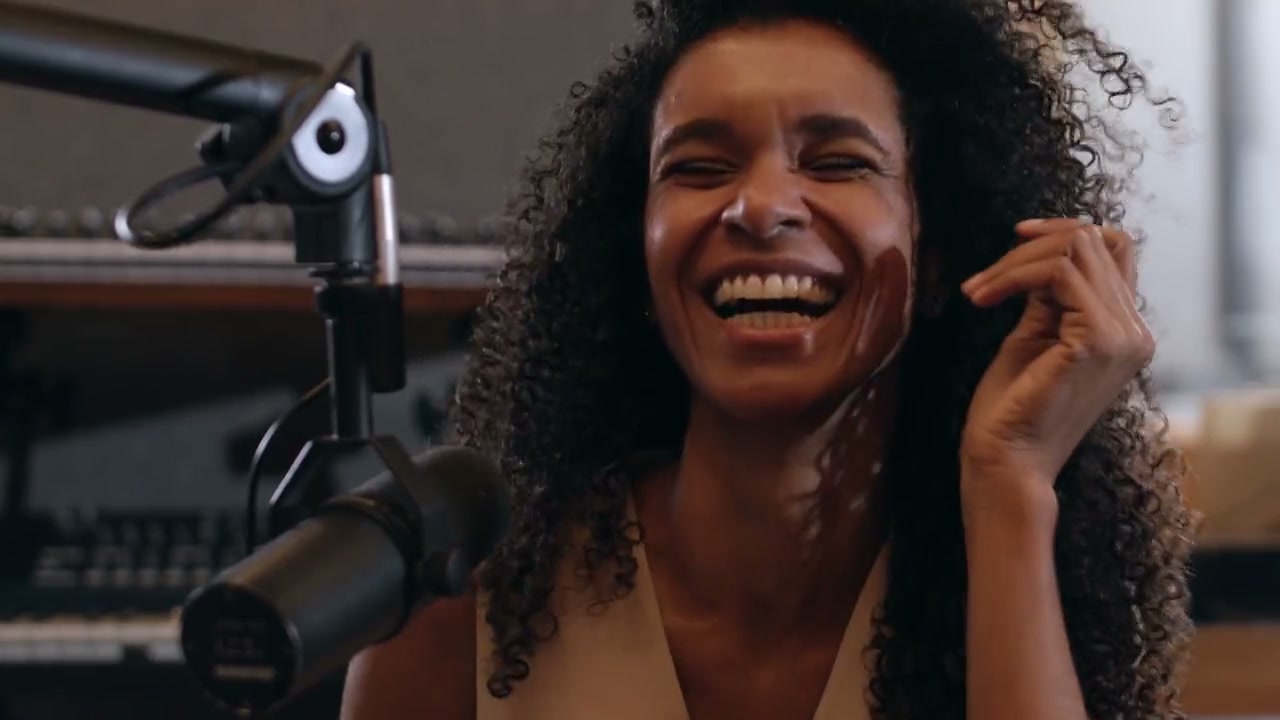
- A podcast-style talk with a friend about one topic you both know. Why: conversations can carry long videos. How: two phones or one camera with a wide shot, plus a decent mic each.
- "Hidden places in my neighborhood." Why: local knowledge is hard to find elsewhere. How: walk and film each place with one line about why it matters.
- "Interviewing a local business owner." Why: real stories and a community that may share it. How: a seated interview with b-roll of their work.
Film it simply
- Light: face a window. Natural light from the front is flattering and free.
- Sound: a small mic close to your mouth improves a video more than a new camera.
- Stability: use a stand or lean the phone against something steady.
- Framing: eyes about a third of the way down the frame, with a little space above your head.
- Takes: say each point in one complete thought. If you stumble, pause and start the sentence again.
A plan for your first ten videos
- Pick one niche and three ideas from the list.
- Make each idea twice, with a different angle the second time.
- Add four more videos in whichever format felt easiest to make.
- After each upload, open YouTube Studio's audience retention report and note where viewers left.
- Change one thing in the next video: a shorter intro, a clearer title, better sound.
When your videos get longer, chapters help viewers find their part. See how to add chapters to YouTube videos, and for length, how long a YouTube video should be.
When editing becomes the bottleneck
Many beginners film more than they can edit. If that happens to you, Sentarys can assemble a long video from your raw clips, with chapters, music and captions, and a new account gets the first chapter edited free. Pro is $10/month with 30,000 shared credits.
FAQ
What should my first YouTube video be?
Something you can film this week with the gear you have, in a format you could repeat. A useful how-to or a relatable day in your niche are good starting points.
Do I need expensive equipment to start a YouTube channel?
No. A phone, natural light and a small microphone are enough for most beginner videos. Improve the sound first when you are ready to spend.
How often should a beginner post?
Pick a schedule you can keep, such as one video a week. A steady rhythm teaches you more than a burst of uploads followed by a long break. If you also post short clips, read how long Shorts should be.
Create a free Sentarys account and edit your first long video.
Ready to try Sentarys?
Paste a link or upload a video and get finished clips with captions. 6,000 free credits on signup, no credit card required.
Get Started FreeRelated Articles
Best Editing Software for Vlogging: Honest Picks by Vlogger Type
DaVinci Resolve, CapCut, Premiere Pro, Final Cut Pro, iMovie, Descript and Sentarys compared for vloggers, with the right pick for how you shoot and publish.
How to Make a Travel Vlog: Plan, Film and Edit a Trip People Watch to the End
A complete travel vlog workflow: the story idea, a shot list, what to film each day, audio, b-roll, batteries and storage on the road, and how to edit hours of footage.
B-Roll Ideas for Vlogs: 40 Shots by Situation and How to Use Them
Practical b-roll ideas for travel, daily, food, city and nature vlogs and for talking-head videos, with how to shoot each one and where it belongs in the edit.