
Clip Farming: How Clippers Get Paid and Build a Repeatable Workflow
Find a creator, agree on payment, turn streams into stories and track results. A practical clip farming workflow with Sentarys.
Clip farming means turning a creator's long streams, podcasts or videos into short posts for distribution. A good clipper does more than crop the frame: they find a moment a stranger can understand, keep the payoff and package it for a specific audience. Sentarys gives you that workflow in one studio, from the original recording to captions, editing and exports.
How clippers actually get paid
There are several business models. A creator may pay a flat fee per approved clip, retain you for a recurring batch, or run a campaign that pays for qualified views. Some campaigns use a revenue share. None guarantees earnings, and views alone are not a contract. Before editing, agree on the footage you may use, what counts as an approved deliverable, where it will be posted, how results are attributed, payment dates and whether the creator can request revisions.
Ask for the campaign's written rules. A view-based campaign may exclude repeated uploads, paid views or traffic from particular locations. Keep a record of the creator's permission and each post URL. A screenshot of a viral video does not tell you what its editor earned.
Choose a creator you can understand
Start with a subject you know well enough to recognize a surprising answer, a useful explanation or an entertaining reversal. A creator with regular long uploads gives you a repeatable source. Watch the audience's questions: the best clip often answers something viewers already want to know. Pitch with a small, relevant sample and a clear delivery proposal rather than a promise of virality.
Turn a recording into a complete short
- Bring a recording you have permission to edit to Sentarys. Upload the original or paste a supported source link.
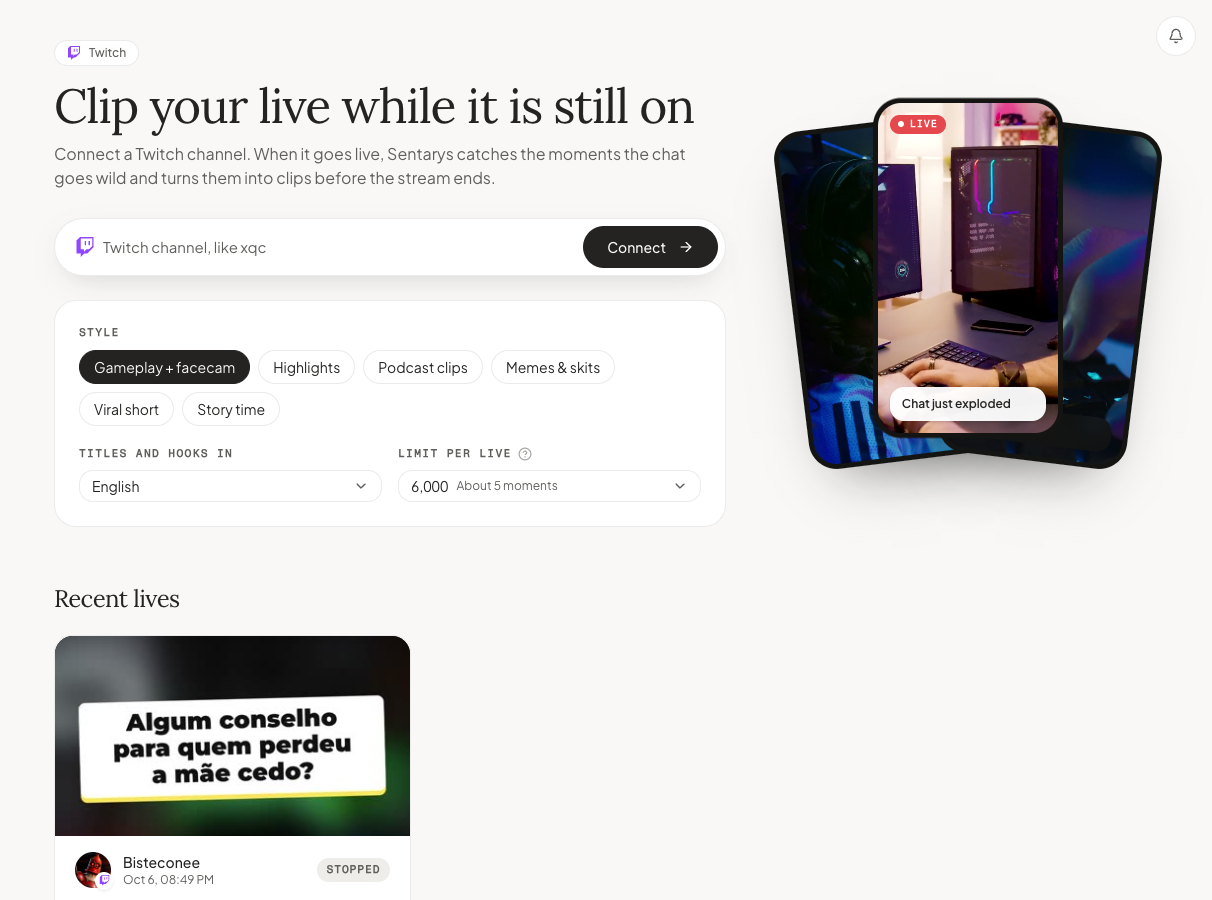
- Choose a format that fits the material, such as podcast, interview or gameplay with facecam. Ask for the audience and story you want.
- Review the selected moments. Can someone understand the opening without watching the stream? Does the ending answer the question the hook raises?
- Open the editor, correct names in the captions and check the crop. Keep the speaker's meaning intact when removing pauses.
- Export and publish with the creator's agreed credit. Save the post URL beside the source, approval and payment status.
Keep the moment, remove the waiting
A game clip needs enough setup to understand the risk before the play. An interview clip needs the question or a concise substitute before the answer. Leave room for the reaction after the punchline. Cutting every pause can make a person sound unnatural; use pauses that support tension and remove the ones that only delay the story.
Check the short with sound off, then listen without looking at the screen. The captions should carry the meaning, and the audio should still feel like a complete thought. A vertical crop that hides the action is not ready, even if the captions look good.
Measure the workflow that earns repeat work
Track source minutes reviewed, clips approved, time spent on revisions, posts published and payments received. Where the platform provides them, compare retention, completion and saves across similar clips. Change one editorial idea at a time, such as opening on the answer rather than the question. Repeatable delivery and clear approvals are more valuable than producing an unreviewed pile of exports.
Sentarys Pro costs $10/month and includes 30,000 shared credits. Source clipping costs 200 credits per minute with a 1,000-credit minimum per job: up to 150 source minutes when the whole balance goes to clipping. Faceless generation, long edits, dubbing and other AI actions use that same balance; they are included workflows, not unlimited production. The free trial includes 6,000 credits, and trial exports carry a watermark. Pro exports are watermark-free.
Start clipping with Sentarys. For gaming footage, read about the Twitch clipping workflow; for the original recording, use our free browser video compressor.
Ready to try Sentarys?
Paste a link or upload a video and get finished clips with captions. 6,000 free credits on signup, no credit card required.
Get Started FreeRelated Articles
Eklipse, Powder and StreamLadder Alternatives: Keep Clipping With Sentarys
Move your recordings into a complete creator studio and make gameplay highlights with captions and context.
How Clippers Find, Cut and Post Clips of Other Creators' Videos
A practical workflow for clipping other creators' long videos: finding moments, getting permission, joining clipping programs, staying rights-aware and balancing volume with quality.
How to Turn Streams Into Vertical Clips With Facecam on Top
A practical guide to gameplay clips for Shorts, Reels and TikTok: finding rage, clutch and fail moments, stacking the facecam over the game, placing captions and pacing the cut.